7 days free, no credit card
Turn your Spotify playlist into a DJ mix
DJ.Studio doesn't play Spotify audio. It uses a public Spotify playlist as your starting point: it finds the same tracks on Beatport Streaming, and you build the mix on a timeline. Before you export, you buy the tracks you used, so your mix is yours to share.
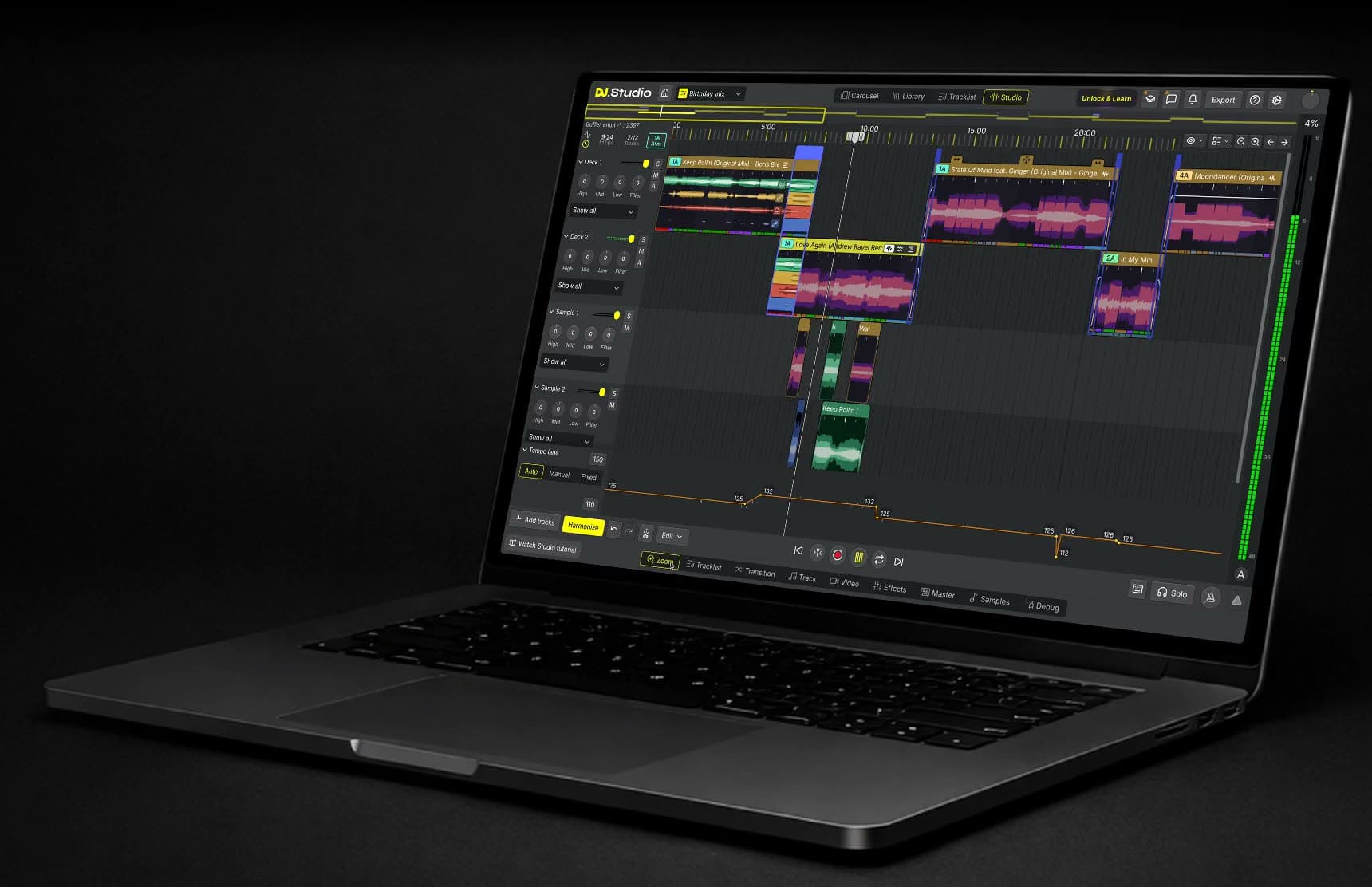
From Spotify playlist to finished mix
Paste a public playlist link or drag a playlist in from Spotify. DJ.Studio finds the same tracks, and you build the mix, buy the tracks you keep, and export.
How it works
Four steps from a Spotify playlist to a mix you can share.
1. Paste your playlist
Open Spotify in DJ.Studio and paste the link to a public playlist, or drag it in from the Spotify app.
2. Match the tracks
DJ.Studio finds each song on Beatport, with its key and BPM. Songs that aren't available there are left out.
3. Build the mix
Let Harmonize suggest an order by key and BPM, then shape each transition on the timeline.
4. Buy and export
Use Legalize to buy the tracks you keep, then export the mix as audio or video.
What you can make from a playlist
Start from a playlist you already know and turn it into a prepared mix, a radio show, or a set. You plan every transition on the timeline, so the mix sounds the way you want before anyone hears it.
When the mix is ready and you've bought the tracks you used, you export it as an audio or video file to share.
See every track before you mix
After you paste the link, DJ.Studio shows your playlist as tracks it can use, with the key and BPM of each one.
Check the order, leave out what doesn't fit, and create the mix from the tracks you select. From there, Harmonize can suggest a running order before you shape the transitions.
Shape every transition
On the timeline, you see every transition and can adjust it with blends, fades, cuts, EQ, filters, and effects. New to mixing? Start from a transition preset and change it from there. Spotify's own Mixed Playlists smooth out a playlist while you listen in Spotify. DJ.Studio is for when you want a mix you can edit in detail and share as an audio or video file.
What you need, and what DJ.Studio doesn't do
DJ.Studio on your Mac or Windows computer. Try it free for 7 days, no credit card needed.
A public Spotify playlist. Private playlists can't be read.
Beatport Streaming to convert the matched tracks into your mix. Without it, you can still preview them.
The tracks you keep, bought through Legalize before you export.
What DJ.Studio doesn't do: it doesn't play, record, or export Spotify audio, and it can't add songs that aren't on Beatport. Exporting isn't possible during the free trial.
DJ.Studio runs on Mac and Windows. Want to compare all the ways to mix with Spotify, including live DJ apps? Read how to DJ with Spotify.
Frequently asked questions
- Can I mix Spotify songs in DJ.Studio?
Not directly. DJ.Studio doesn't play or record Spotify audio. It reads a public Spotify playlist and finds the same tracks on Beatport, and those are the tracks you mix.
- Does my Spotify playlist need to be public?
Yes. DJ.Studio can only read public Spotify playlists. Make the playlist public in Spotify before you paste the link.
- What happens to songs that aren't on Beatport?
They're left out of the import. If you have those songs as music files, you can add them to the mix yourself.
- Do I need a Beatport Streaming subscription?
Yes, to use the tracks in your mix. Without a subscription, you can preview the matched tracks, but you need Beatport Streaming to convert them into your mix. Before you export, you buy the tracks you keep.
- Can I export a mix made from a Spotify playlist?
Yes, once you own the tracks. Legalize lists the Beatport tracks in your mix so you can buy them, and then you export the mix as audio or video. Exporting isn't possible during the free trial.
- Which DJ apps can play Spotify audio directly?
As of December 2025, Spotify streaming is available in Serato, rekordbox, and djay, according to Digital DJ Tips. Those are apps for mixing live. Our guide on how to DJ with Spotify compares the options.
- Is DJ.Studio free?
No. DJ.Studio is paid software for Mac and Windows, with a 7-day free trial and no credit card needed.